Record with intention
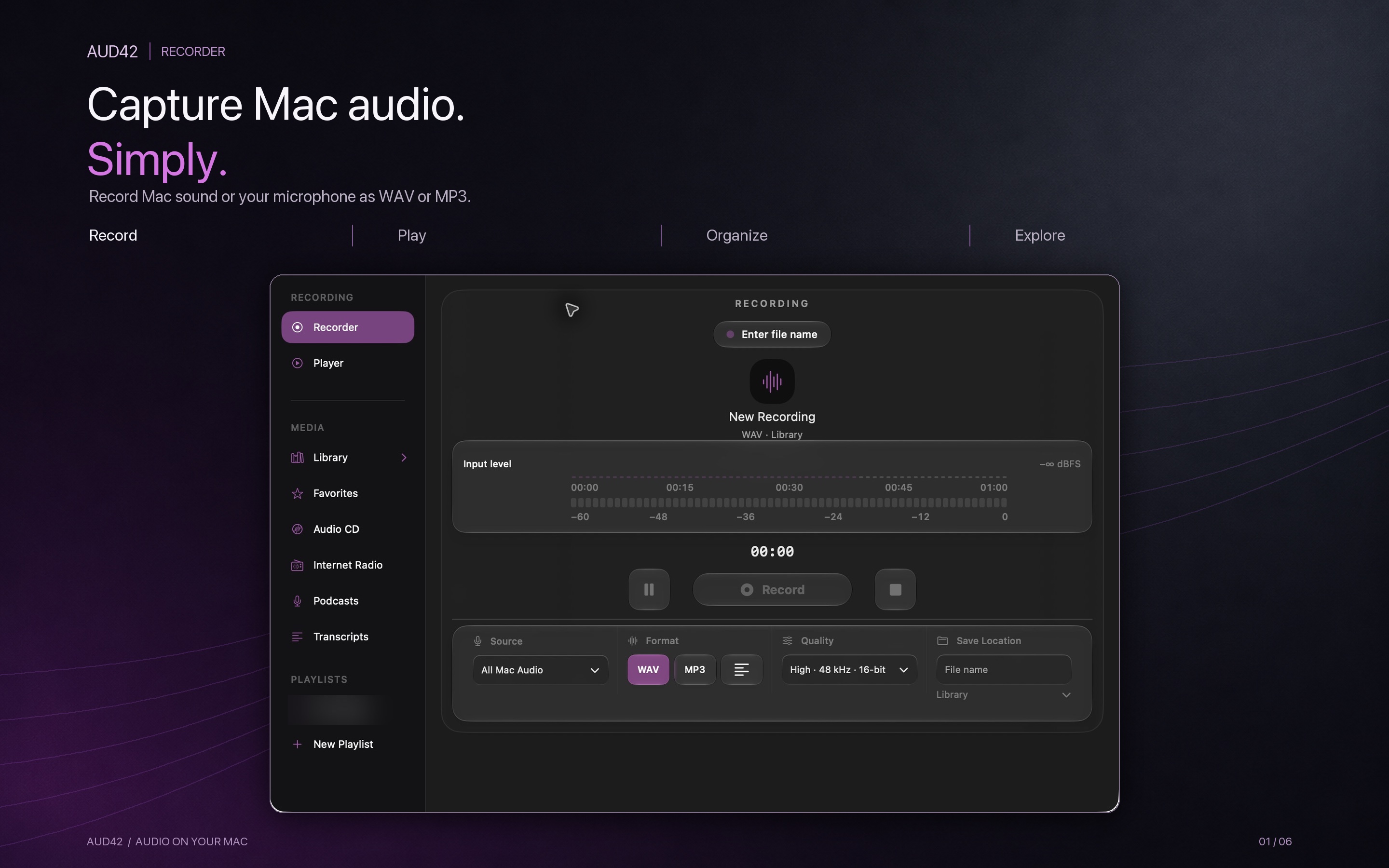
Choose Mac audio or microphone, WAV or MP3, quality and a library location before you begin. Pause, resume and trim your recording.
Audio recorder & player for macOS
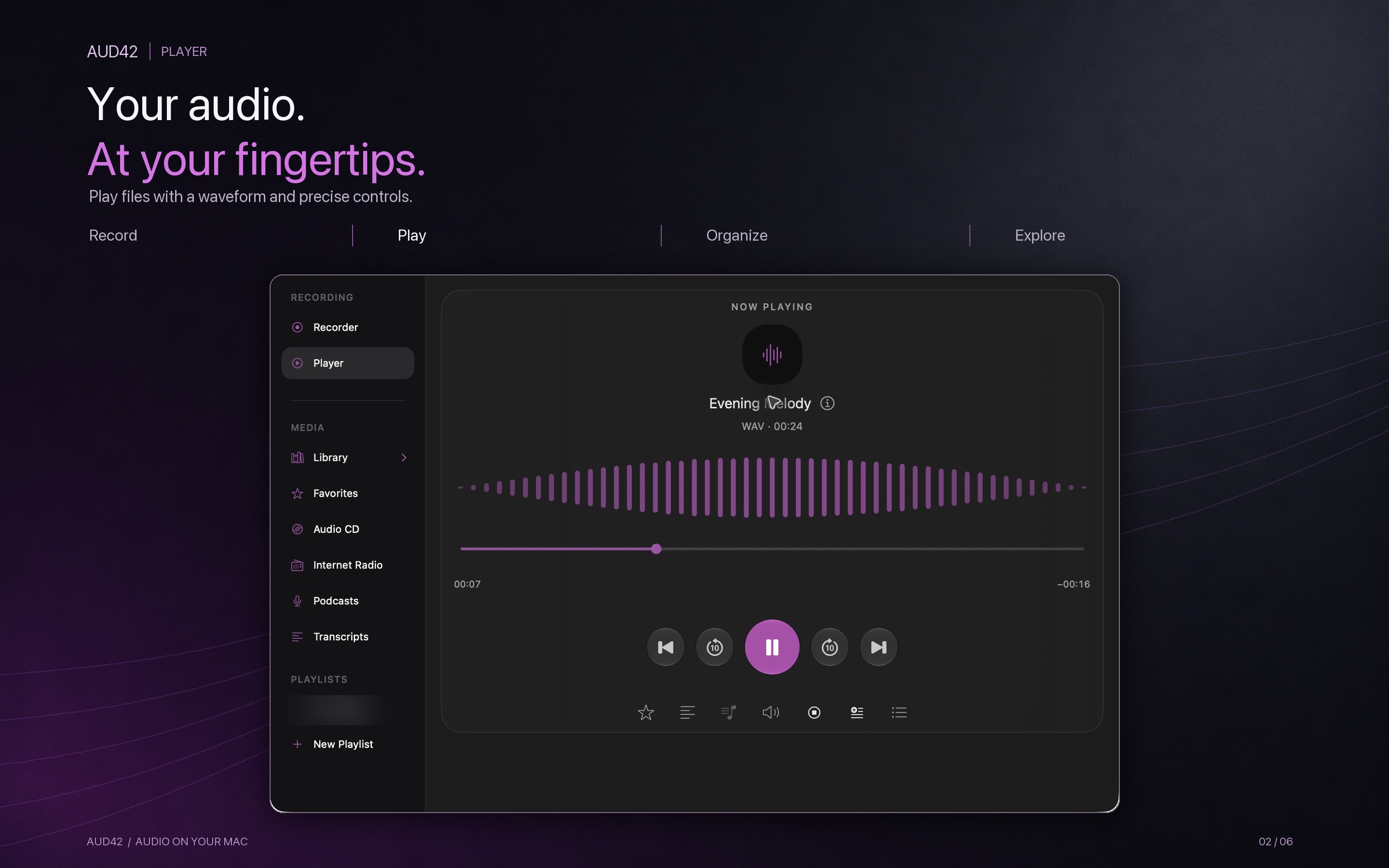
Record Mac audio or your microphone. Play files, your own podcast feeds and radio URLs. Keep it organized, and turn speech into text — in one calm workspace.
THE WORKSPACE
AUD42 brings recording, playback and a browsable library together. Set a name and destination before recording, trim a take before saving, and return to it later in the same player.
Choose Mac audio or microphone, WAV or MP3, quality and a library location before you begin. Pause, resume and trim your recording.
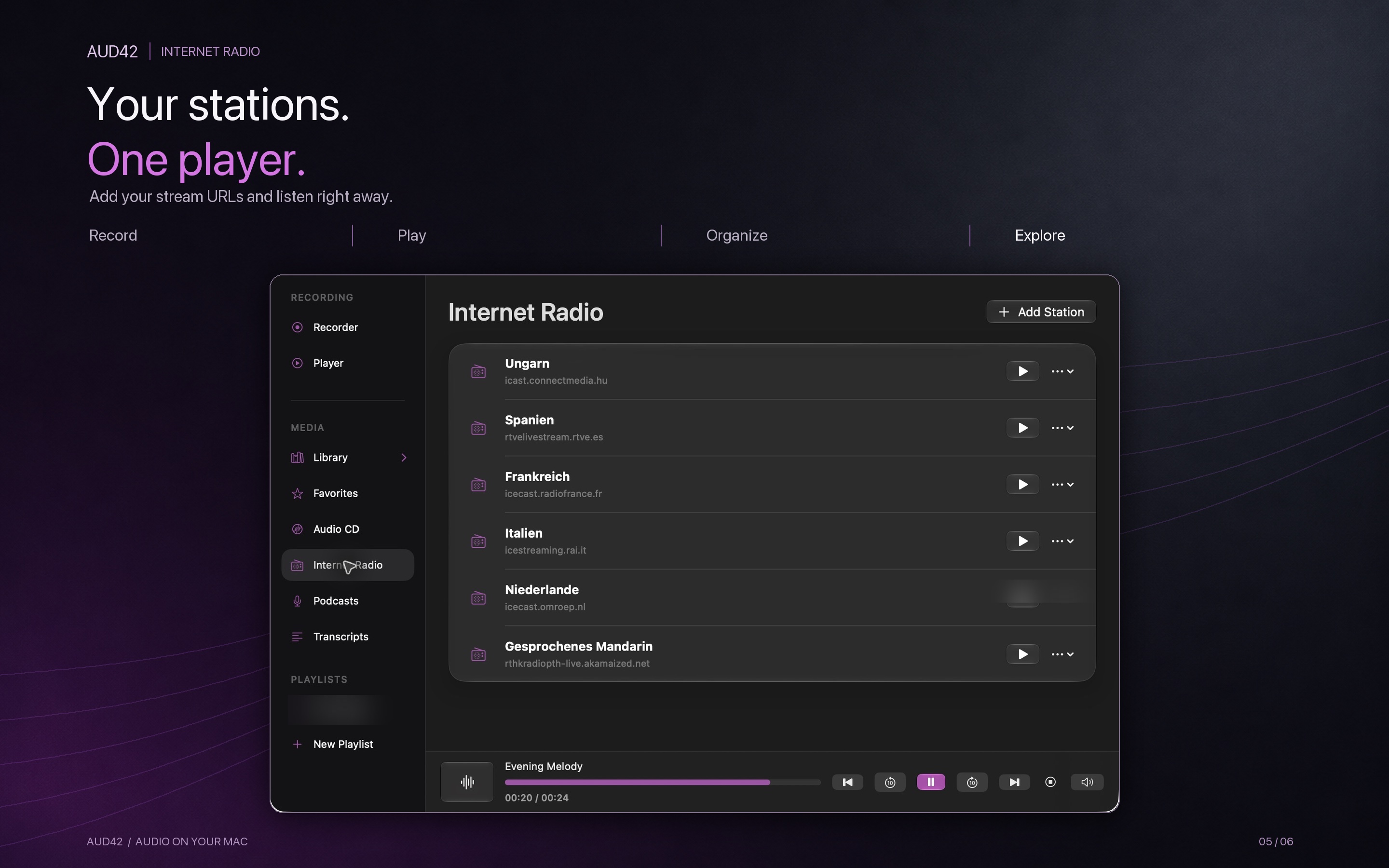
Play local audio, user-added podcast feeds and internet radio URLs. Manage playback with the queue, favorites, playlists and equalizer.
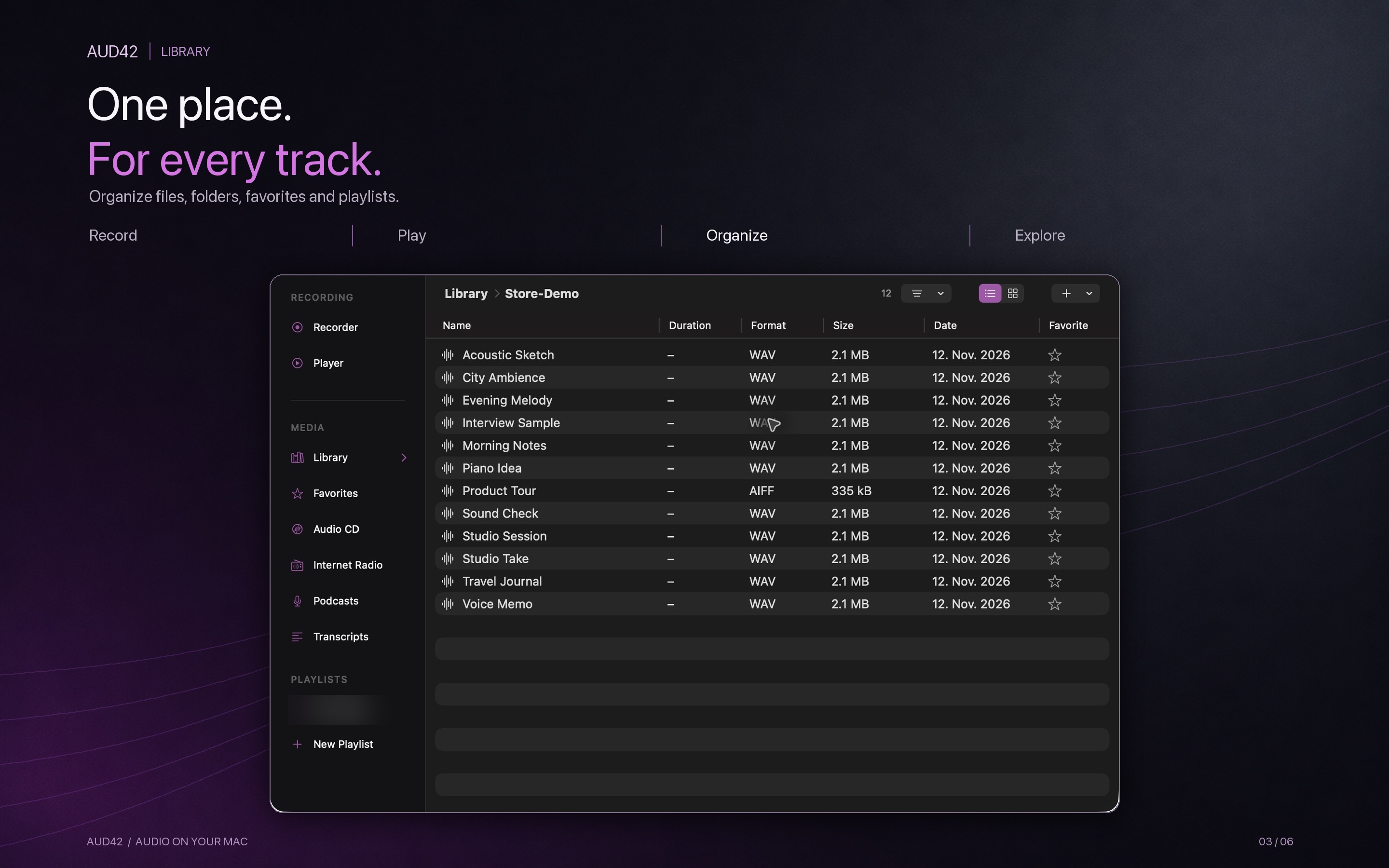
Browse folders, rename and move files, inspect metadata and keep completed podcast downloads alongside your own recordings.
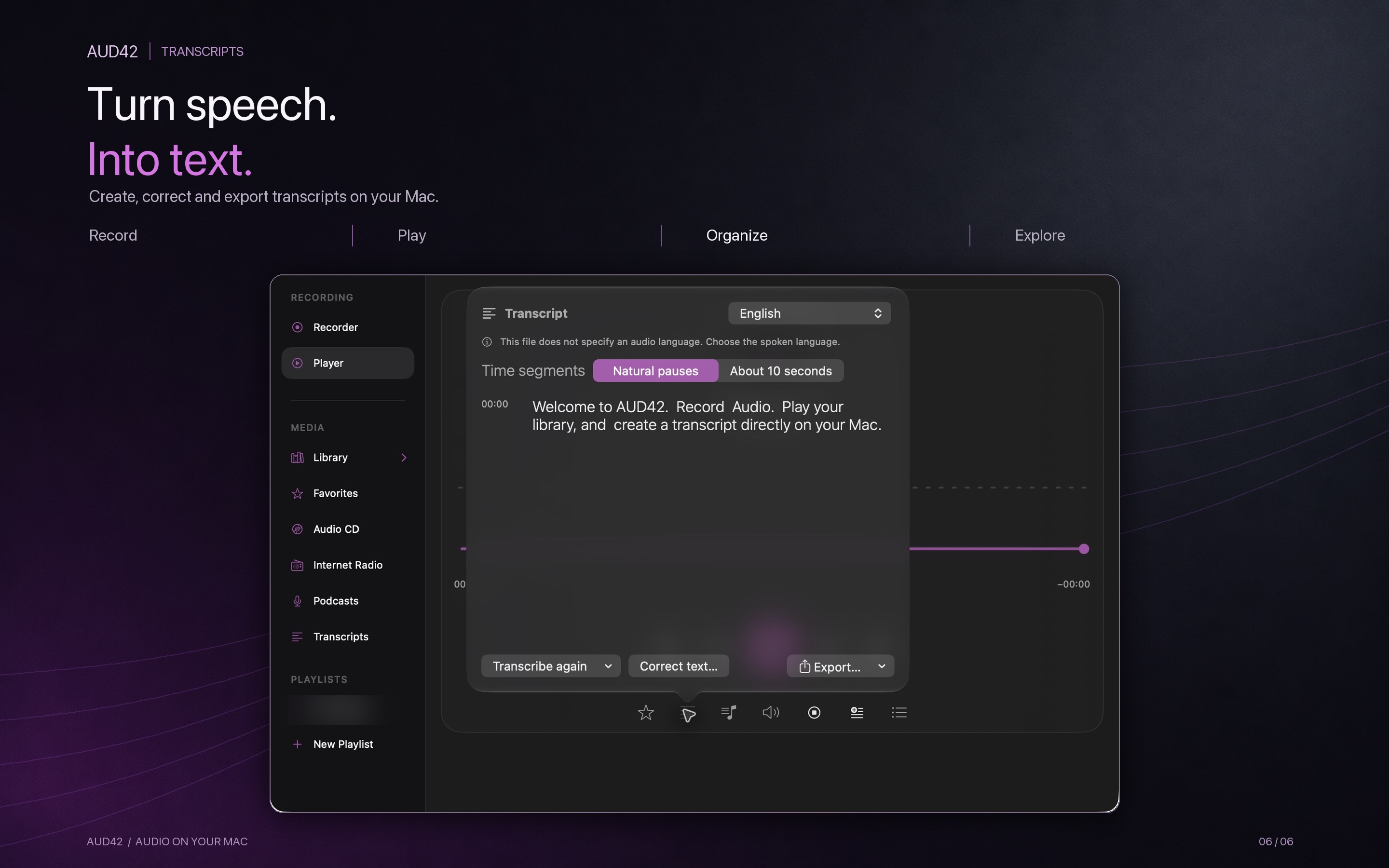
Create transcripts on your Mac, correct the result and export TXT or SRT. Karaoke mode can highlight the current words during playback.
THE APP IN ACTION
Real AUD42 screens, presented in English.
HELP CENTER
Start here, or send us the details below.
macOS requests “Screen & System Audio Recording” because AUD42 uses Apple's ScreenCaptureKit audio output. AUD42 processes audio only and does not save screen video. Microphone access is separate.
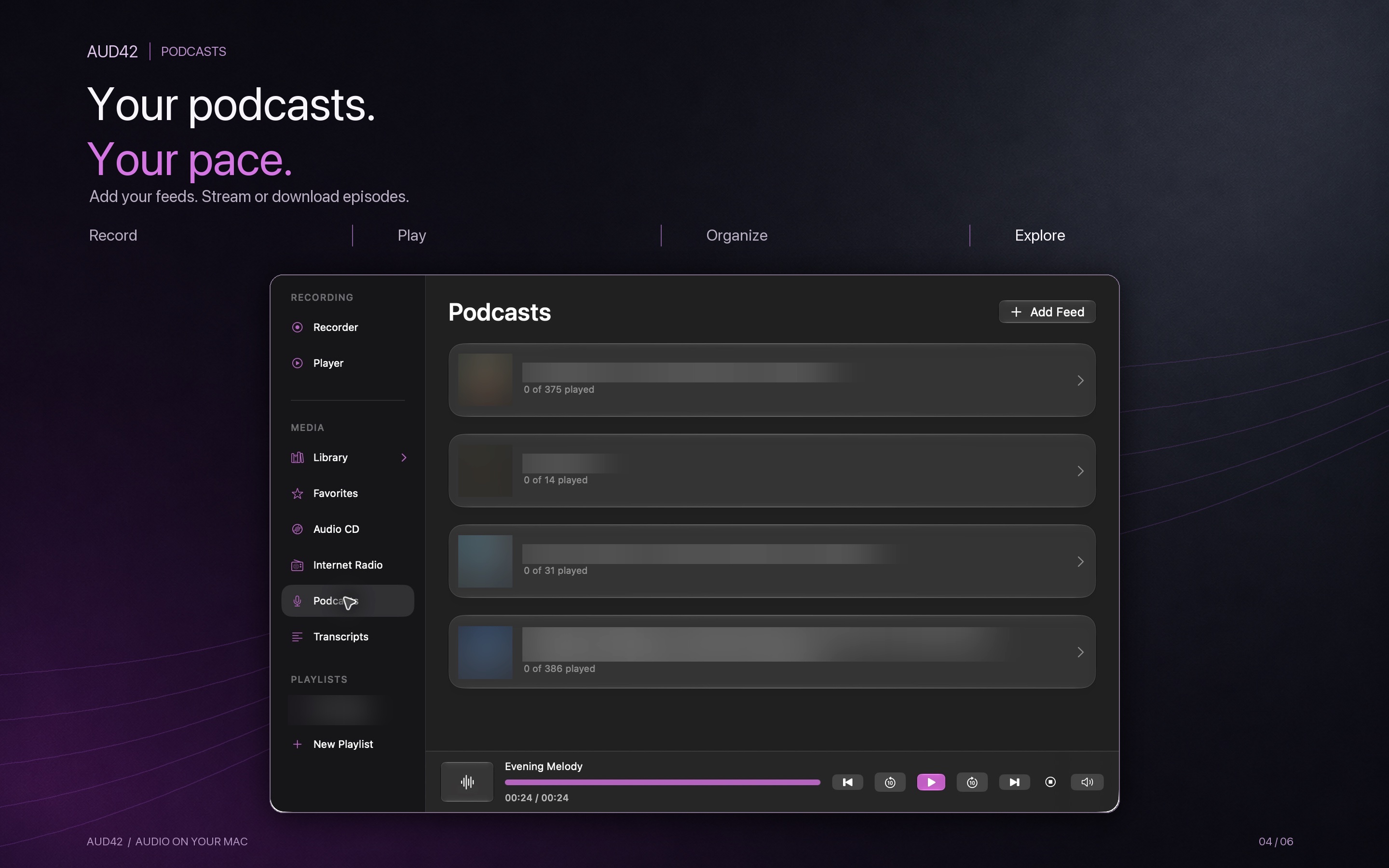
Enter a podcast RSS feed or internet radio URL yourself. AUD42 includes no catalog or preset stations. An online source connects to its provider; availability and usage terms depend on that provider.
Your recordings, imported files, completed downloads and transcript companion files live in the library folder you selected. Choose a local folder if you do not want another service to sync it.
Transcription runs on-device. macOS may first download Apple speech models. Results depend on the audio and language; review important passages and use the text correction option before export.
SUPPORT
Describe the issue and the steps that led to it. Send your request directly from this page. We use your contact details only to reply to your request.
For technical errors, AUD42 can export a local diagnostic report from Help → Diagnostic Log. Review that file before attaching it. Please do not send private recordings, passwords or access tokens.
Prefer email? gregor.v.hoffmann@gmail.com